
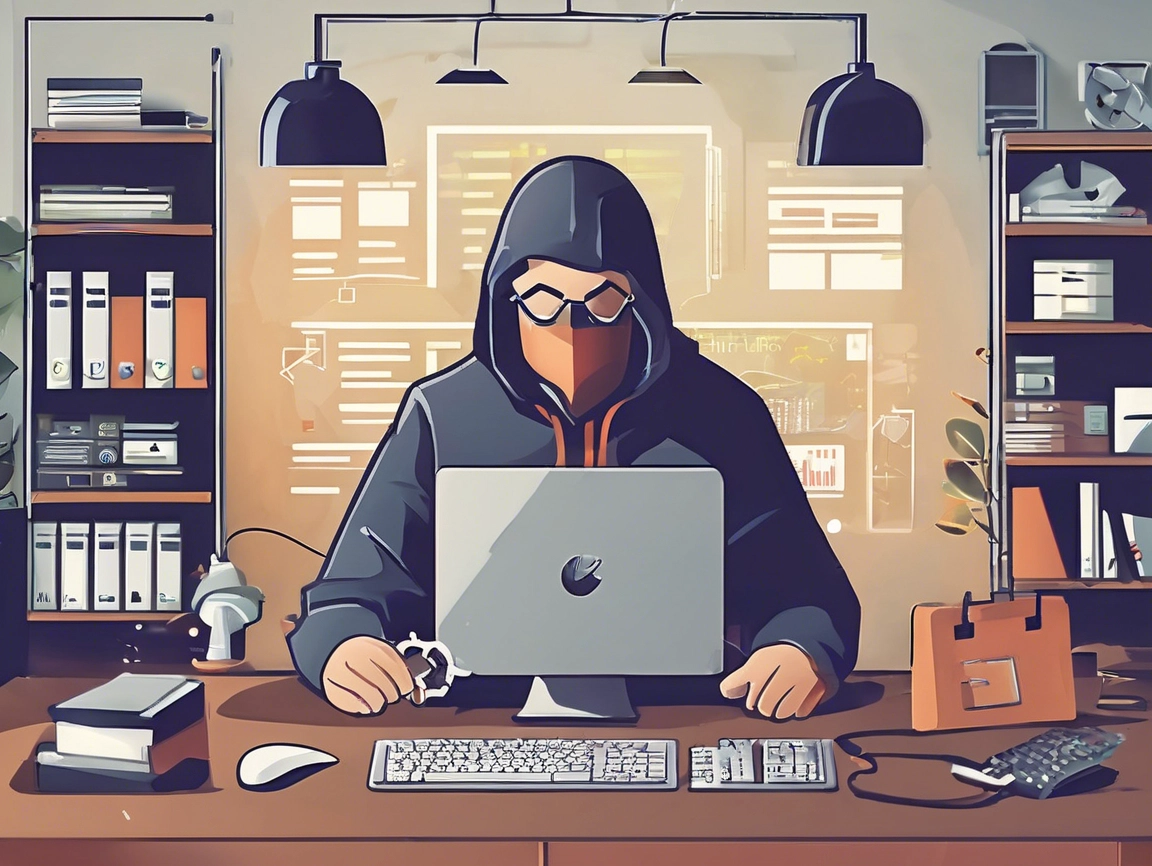
Website Security for Beginners: Protecting Your Small Business
By Cap Puckhaber – WebsiteJockey.com, Reno, Nevada
In today’s digital world, your website is more than just your storefront—it’s your brand’s most visible asset. Understanding website security for beginners is crucial, whether you’re a solopreneur building your first website or a small business owner scaling up your online presence. Website security isn’t just a tech issue—it’s a business survival essential.
At WebsiteJockey.com, we believe that web security in network security starts with education and easy-to-use tools. So, if you’re new to the world of website protection or simply want to brush up on the basics, this guide will walk you through the essential steps to secure your site and avoid common threats.
1. Start with an SSL Certificate (and Manage It Right)
The first sign of a secure website? That little padlock next to your URL. If you’re launching a new site, make sure to get an immediate certificate for your webpage using a reliable SSL provider. Not only does SSL encrypt data between your website and users, but it’s also crucial for SEO and trustworthiness.
Bonus tip: SSL certificate management is just as important as installing it. Always set reminders for renewal dates and automate the process when possible to avoid lapses in security.
2. Run Regular Vulnerability Scans
Think of your website like a house—you need to check the locks, doors, and windows regularly. That’s where a vulnerability scan self test comes in. These scans assess your site’s weaknesses and flag outdated plugins, open ports, or weak passwords.
Use a network vulnerability scanner or free application security testing tools to identify and patch vulnerabilities before hackers do. A few tools worth exploring include:
- OWASP ZAP
- Nikto
- Qualys FreeScan
3. Understand the Importance of Network Security
Security in networking is of paramount importance—especially for small businesses. From your office Wi-Fi to your hosting provider’s infrastructure, every network layer must be secured.
Invest in network security devices like firewalls and intrusion detection systems (IDS). These help protect the flow of data between your users and your server. Pair them with strong passwords, regular updates, and user access controls to build a solid network security foundation.
4. Protect Yourself Against DDoS Attacks
A DDoS (Distributed Denial-of-Service) attack floods your server with fake traffic, taking your site offline. If you’re wondering how to prevent DDoS attacks or even how to avoid DDoS risks entirely, here’s what to know:
- Use free DDoS protection for your network from providers like Cloudflare or Project Shield.
- Monitor unusual traffic spikes and set rate limits to block bad bots.
- Consider scalable hosting that can absorb traffic surges.
You don’t need access to advanced DDoS tools to fight back—just the right set of proactive steps.
5. Embrace Cybersecurity Best Practices
Network security and cyber security go hand in hand. Beyond just protecting your site, you need to think about your business’s entire digital footprint. This includes email, cloud storage, and even your team’s personal devices.
Here are a few essential cyber hygiene tips:
- Enable 2FA (Two-Factor Authentication) for logins.
- Back up your site regularly, ideally to a cloud location and an offline source.
- Avoid public Wi-Fi when managing your site without a VPN.
6. Educate Your Team (Even If It’s Just You)
Security isn’t just a tech issue—it’s a people issue too. Whether you’re working solo or have a small team, make sure everyone understands the basics of secure online behavior. Training yourself and others on phishing, safe browsing, and password best practices goes a long way.
7. Use the Right Tools—For Free
You don’t have to break the bank to get great protection. There are plenty of free DDoS, network security scanner, and application testing tools available to small businesses. Start with:
- Sucuri SiteCheck for malware scanning
- ImmuniWeb for SSL checks and website audit
- Cloudflare Free Plan for DDoS protection and basic firewall services
Remember, the right tools make security simple, not scary.
Final Thoughts from Cap Puckhaber
As someone who’s worked with entrepreneurs and creators through WebsiteJockey.com, I’ve seen firsthand how vulnerable small sites can be when security is an afterthought. But I’ve also seen how just a few smart steps can make all the difference. Website security for beginners is crucial to your websites success.
Securing your website is a journey—not a one-time fix. By taking action now to get an immediate certificate for your webpage, run a vulnerability scan self test, and learn how to prevent DDoS attacks, you’re protecting more than just data—you’re safeguarding your brand, your livelihood, and your customer trust.
Want more website tips from a fellow small business owner? Follow me, Cap Puckhaber, at WebsiteJockey.com where I share no-fluff insights on building, launching, and securing your online presence like a pro.
Impact of Pogo Sticking, Bounce Rates, and Dwell Time
Web and Graphic Design Trends to Watch
Website Security for Beginners

Discover Website Jockey
Website Jockey is your go-to beginner’s resource for learning all things related to websites, web design, SEO, eCommerce, and beyond.
Whether you’re just starting or aiming to enhance your skills, our blog provides easy-to-understand tips, practical tutorials, and expert insights to help you build, optimize, and grow your online presence effectively.
Cap Puckhaber hosts Website Jockey, your go-to resource for learning websites, web design, SEO, eCommerce, and more.

Our Blog
We’ve Got You Covered.
Ecommerce management covers all aspects of running an online store, including product listings, inventory, customer service, marketing strategies, and order fulfillment to ensure profitability.
SEO (Search Engine Optimization) enhances website visibility on search engines, driving organic traffic and improving user experience

Development focuses on creating responsive, functional, and high-performance websites through coding and design.
Web Design prioritizes aesthetics and usability, using layout, color, typography, and interactive features to engage visitors.
Web management ensures ongoing website maintenance, including content updates, security, and performance optimization, for smooth operations and business growth.

Follow Cap Puckhaber
Connect with Cap Puckhaber on Facebook. See my latest adventures on Instagram. Read my thoughts on business, finance and more on X. Join the conversation with Cap Puckhaber on Threads.
Follow me on Mastodon for the latest updates. Browse my Pins on Pinterest. See my Marketing Articles on Medium. Check out Cap Puckhaber’s Company Page on LinkedIn

Cap Puckhaber
Backpacker, Marketer, Investor, Blogger, Husband, Dog-Dad, Golfer, Snowboarder
Cap Puckhaber is a marketing strategist, finance writer, and outdoor enthusiast from Reno, Nevada.
He writes across CapPuckhaber.com, TheHikingAdventures.com, SimpleFinanceBlog.com, and BlackDiamondMarketingSolutions.com.
Follow him for honest, real-world advice backed by 20+ years of experience.

Follow Cap Puckhaber Online
- Join the Team on Wellfound
- Connect with Cap Puckhaber on Facebook
- See Real-Time Thoughts on X
- Read In-Depth Articles on Medium
- Subscribe to Cap Puckhaber’s Substack Newsletter
- Follow Cap Puckhaber’s Company Page on LinkedIn
- View Our Agency Profile on DesignRush
- See Cap Puckhaber’s Agency on Agency Spotter
- Explore Technical Projects on GitHub
- See Cap Puckhaber’s Creative Portfolio on Behance
- Learn more about my company on Crunchbase
- Cap Puckhaber’s Quora Profile
- Join Cap Puckhaber’s Conversation on BlueSky
- Follow My Updates on Mastodon


Leave a Reply